
ESP32-S3 screens#

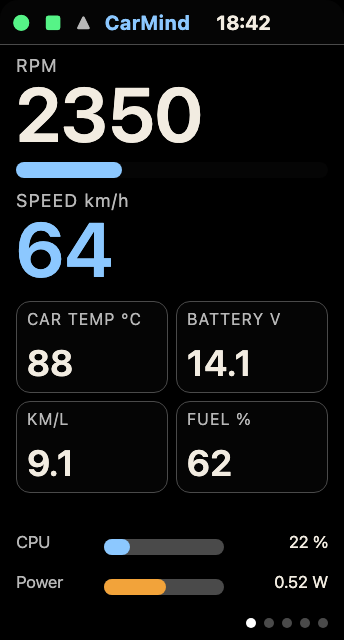
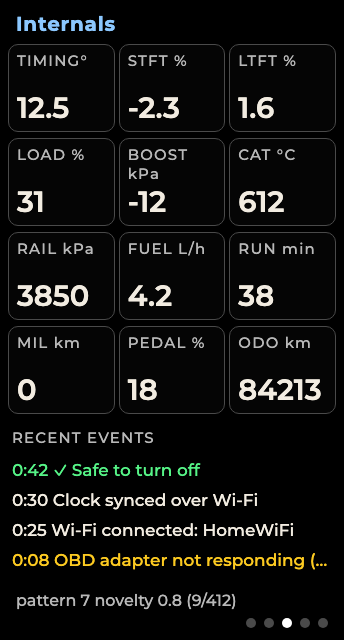
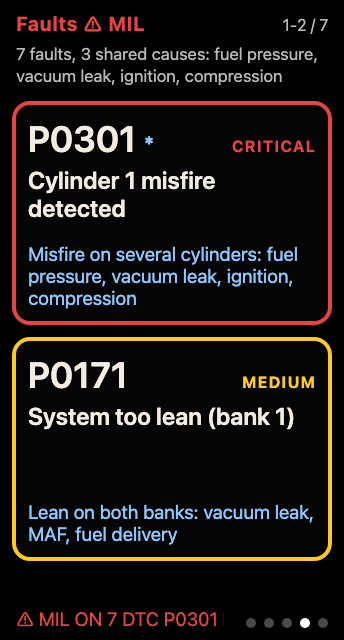
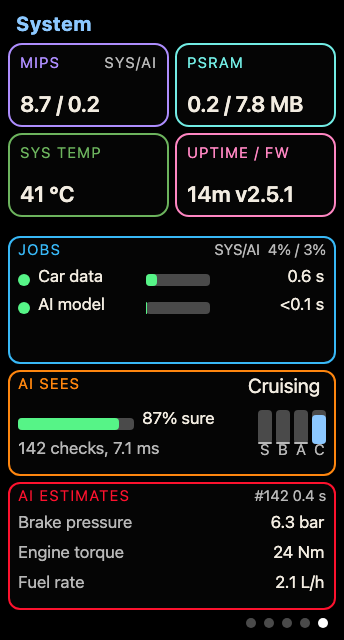
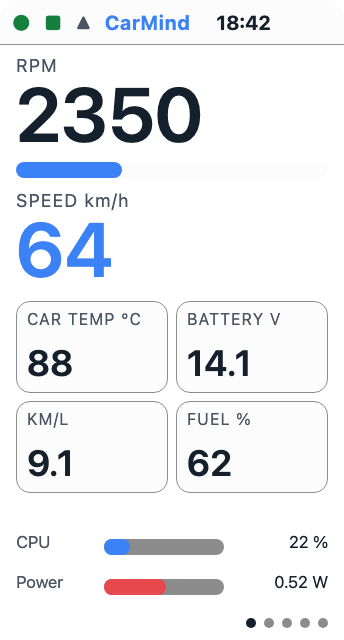
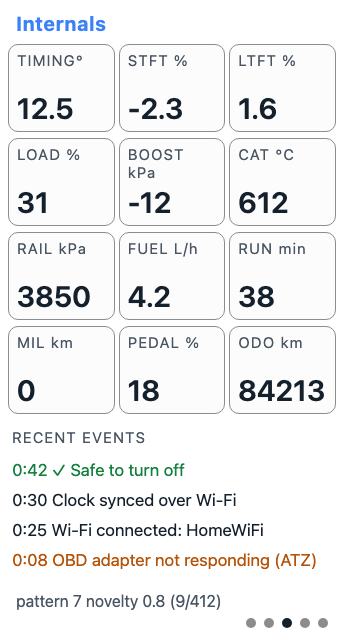
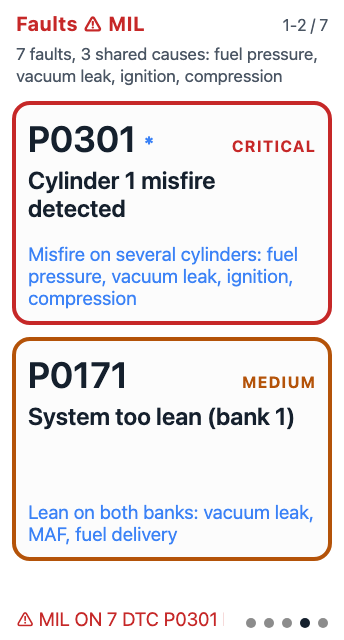
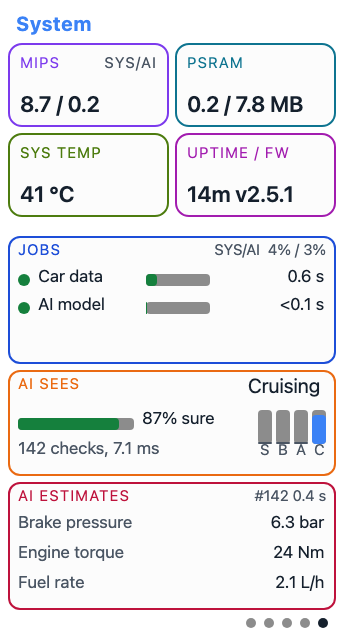
Pages 1, 3, 4 and 5 in the dark and light themes (renders, not photos). Page 2 is plain text and has its own picture at docs/images/details.png.

The dark theme is pure black, because on an LCD any tint in the background glows through the backlight. Text and colours are bright enough to read at a glance, and every status colour comes with a word.
Tap BOOT to change page. Hold it for 2 seconds to power off. The screen says “Turning off” while it saves and closes the drive, then “Off, safe to unplug”, and the backlight and LED go dark. Hold it for 8 seconds to forget the saved adapter.
Dashboard: RPM, speed, engine temperature, battery, fuel economy and fuel level, with a CPU bar and an estimated power bar.
Details: adapter, VIN, protocol, trouble codes, clock, SD state and fuel used.
Internals: twelve extra fields, up to eight custom PIDs, and recent events, including “Safe to turn off”.
Faults: ranked trouble codes with severity, description and likely cause, plus the connection and MIL status line.
System: instructions per second on each core (hardware counters), PSRAM in use, chip temperature, uptime, the jobs and their deadlines, what the model sees and its three estimates.
The screen is light from 06:00 to 17:00 and dark otherwise. theme_mode, the hours and the time zone are set in config.json (see docs/CONFIGURATION.md).
Every field on each page is explained in the manual chapter Five pages.